.png)


Key Takeaways
- The best programmatic SEO tools in 2026 include Slate, Airtable, Ahrefs, WP All Import, Whalesync + Webflow, Zapier, SEOmatic, Screaming Frog and AirOps.
- Programmatic SEO works best for repeatable page patterns like integration directories, location pages, comparison pages, and use-case landing pages.
- Quality control is the part most teams skip, and it's the reason most pSEO projects fail.
- AI can speed up content drafts, but every page still needs a human review layer before it goes live.
- Internal linking should be built into your template from the start, not added as an afterthought after pages are already live.
Here's the thing about programmatic SEO. The concept is simple: template plus data equals pages at scale. But when you sit down to actually build it, the first question is always the same. Which tools do I use?
There are keyword research platforms, data management tools, CMS plugins, automation apps, and all-in-one platforms. Some of them are great. Some of them will slow you down more than they help.
We've worked with SaaS teams running pSEO at different stages, from first-time experiments to full-scale rollouts. Based on what actually works, here are the 9 best programmatic SEO tools worth building your tech stack around in 2026.
The Best Programmatic SEO Tools for 2026
9 Best Programmatic SEO Tools in 2026
1. Slate
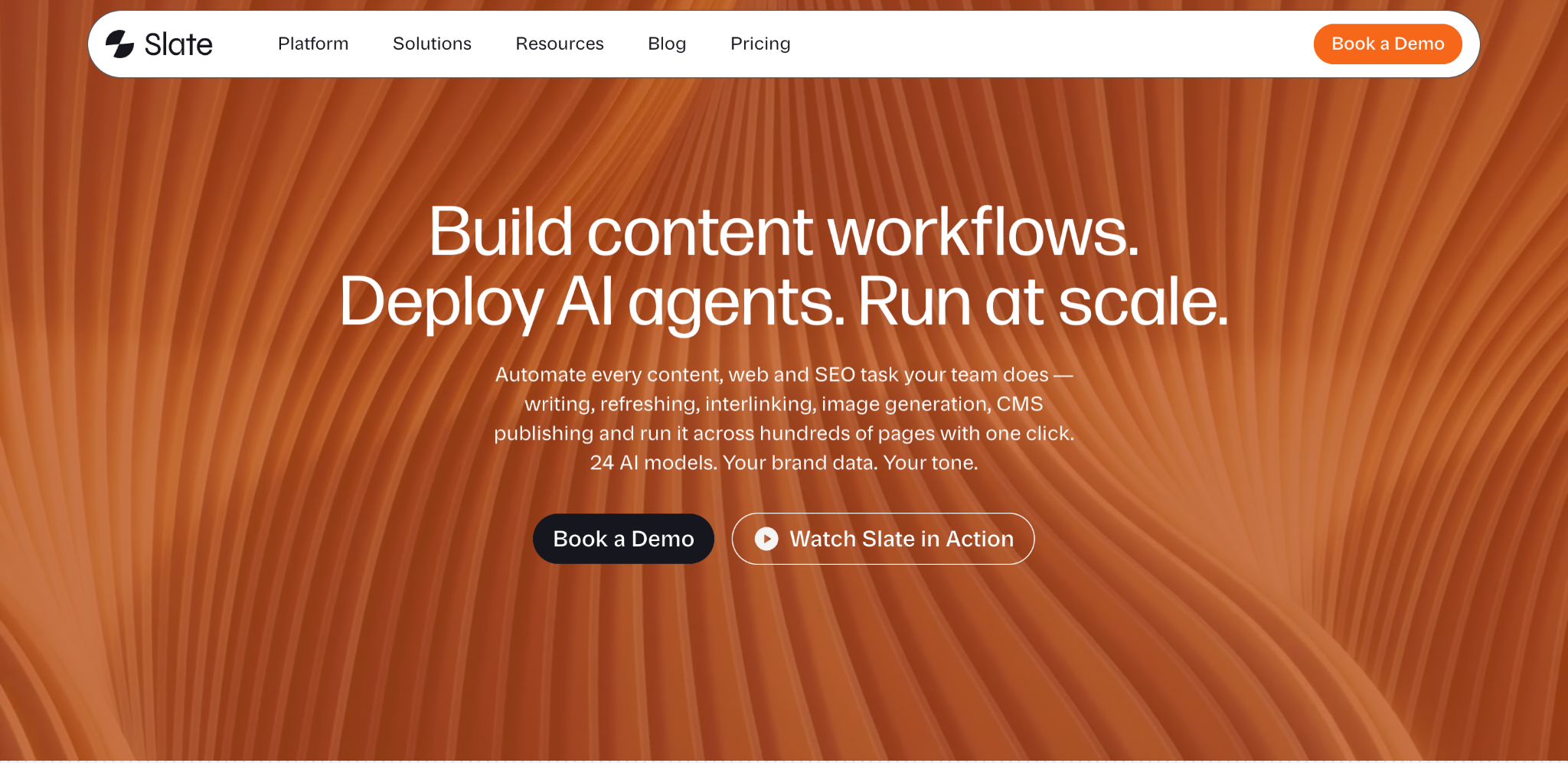
Best for: AI search visibility tracking and automated content execution
Slate is a content engineering platform built for the shift toward AI search. It combines AI visibility monitoring, content creation, automated refreshes, and CMS publishing into a single system. Where most SEO tools stop at showing you data, Slate connects monitoring directly to execution, identifying what content to create or update, running the workflows to produce it, and pushing finished pages live.
Key features
- AI Search Visibility Tracking: Monitor where your brand appears across ChatGPT, Google AI Mode, Google AI Overviews, and Perplexity. Track share of voice, average position, and citations compared to competitors.
- Agentic Workflow Builder: Design multi-step pipelines that automate the full research-write-refresh loop. Drag-and-drop steps that run on schedule across hundreds of pages without manual prompting.
- Power Sheets: Run bulk content refreshes, programmatic page creation, and optimization audits from a spreadsheet-like interface. Process thousands of URLs in a single click.
- Brand Kit and Knowledge Base: Upload style guides, tone rules, and proprietary data so every AI-generated asset stays on-brand. Supports 24 AI models with your context layered in.
- One-Click CMS Publishing: Push finished content directly to Webflow or WordPress without leaving the platform.
Pros
- Insight-to-action in one platform: Unlike tools that only surface data, Slate closes the loop by connecting AI visibility tracking directly to automated content workflows and CMS publishing.
- Purpose-built for AI search: Tracks visibility across multiple LLMs and generates content specifically structured for AI citation, not just traditional Google rankings.
- Flexible automation modes: Works as an assisted tool, a co-pilot (via Claude MCP integration), or a fully autonomous agent running on a schedule, so teams can scale involvement up or down.
Cons
- Newer platform: Founded in 2025, Slate doesn't have the long track record of tools like Ahrefs or Screaming Frog, so expect the feature set to evolve.
- English-only: The platform currently processes only English content
- Set-up time: Slate typically takes a day to get set up for your brand based on your requirements
Pricing
Solo plan is free (5,000 workflow credits, ChatGPT + Google AI Mode + Google Overview tracking, single user). Pro plan is custom-priced (15,000 credits, adds Perplexity tracking, up to five users, weekly opportunity reports). Enterprise is custom-priced (50,000 credits, optional Claude and Gemini tracking at $100 per 1,000 answers, up to ten users, dedicated account manager). All plans include a 14-day free trial.
2. Airtable
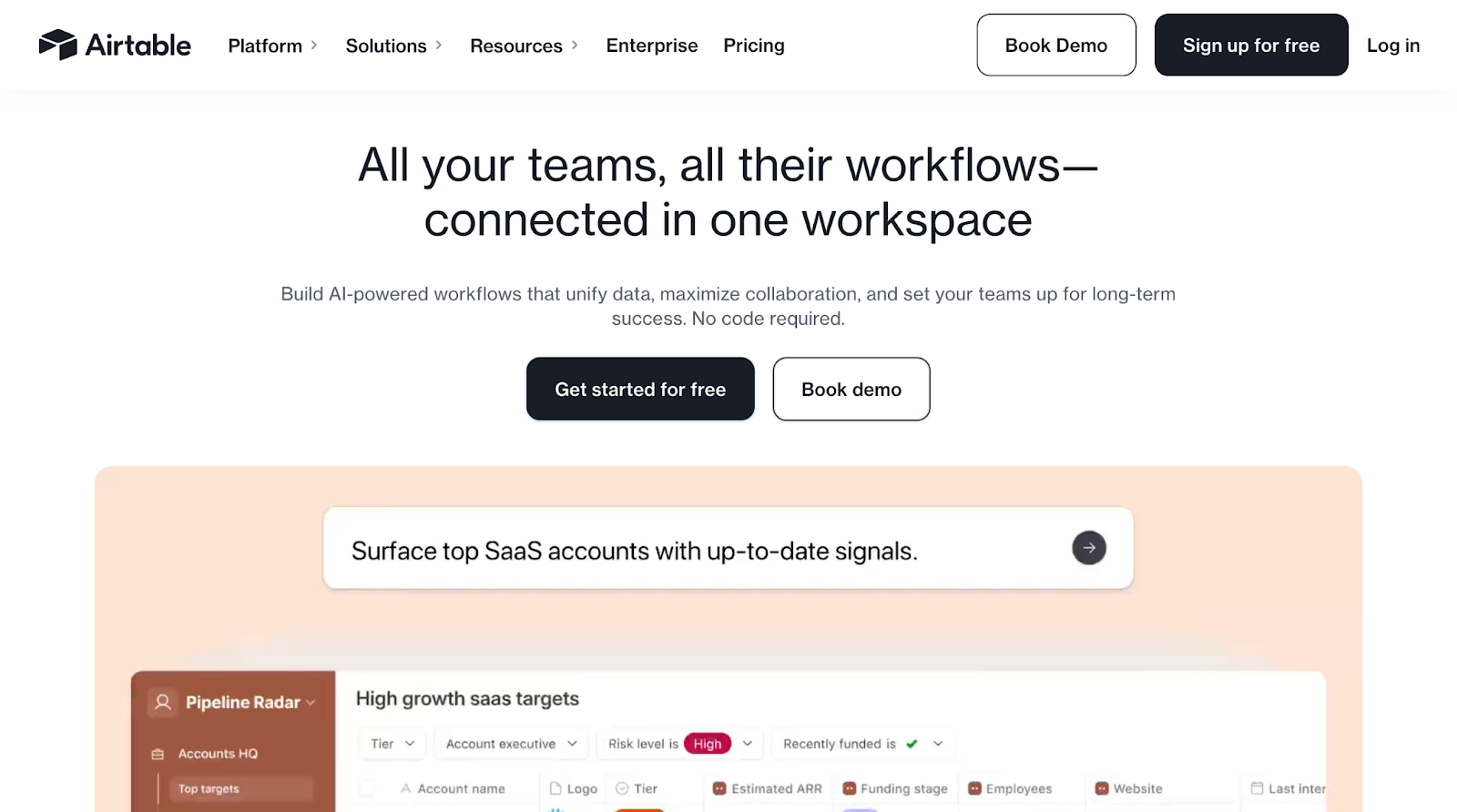
Best for: Data management and page planning
Airtable is where most pSEO projects start. It's a spreadsheet-meets-database tool used by over 500,000 companies to organize data, and it works just as well for managing page variables like keywords, titles, meta descriptions, product attributes, and location data.
Key features
- Flexible database views: Switch between grid, kanban, gallery, and calendar views to manage your page data however your team works best.
- Built-in automations: Set up triggers that notify your team when data is ready for review or when new rows are added, with up to 25,000 automation runs per month on the Team plan.
- Third-party integrations: Connect Airtable to your CMS, Zapier, Slack, and dozens of other tools without writing code, making it the central hub of your pSEO workflow.
- Collaboration features: Multiple team members can edit, comment, and track changes in real time, which is helpful when your SEO lead, writer, and developer all need access to the same data.
Pros
- Low learning curve: Most marketers can set up a working Airtable base within an hour, even without database experience.
- Generous free tier: The free plan supports up to 1,000 records per base and up to five editors, which is enough for most initial pSEO projects.
- Highly adaptable: Works for any pSEO use case, whether you're building integration pages, location directories, or comparison landing pages.
Cons
- Not a CMS: Airtable organizes your data but can't publish pages on its own, so you'll always need a separate publishing tool.
- Record limits on free plan: If your pSEO project has more than 1,000 pages, you'll need to upgrade to Team ($20/seat/month) for 50,000 records per base.
- Performance at scale: Very large bases with complex formulas can slow down, especially with 10,000+ records and multiple linked tables.
Pricing
Free for up to 1,000 records per base (up to five editors). Team plan at $20/seat/month billed annually (50,000 records). Business plan at $45/seat/month billed annually (125,000 records). Enterprise pricing is custom.
3. Ahrefs
Best for: Keyword research and opportunity validation
You can't scale pages around keywords nobody searches for. Ahrefs helps you find and validate long-tail keyword clusters that are actually worth building pages around, powered by the world's second-most active web crawler and over 10 years of search data.
Key features
- Keywords Explorer: Search any seed keyword and get thousands of related variations with volume, difficulty, and click data, perfect for finding scalable pSEO patterns.
- Content Gap analysis: Compare your domain against competitors to find keyword opportunities you're missing, which helps prioritize which pSEO page sets to build first.
- SERP analysis: See exactly what's ranking for each target keyword, so you can design your page template to match (or beat) what's already working.
- Site Audit: Run regular crawls of your pSEO pages to catch technical issues like thin content flags, duplicate titles, or missing meta data, with up to 1.5 million crawl credits per month on the Advanced plan.
Pros
- Most comprehensive keyword data: Ahrefs has one of the largest backlink indexes and keyword databases, which means the volume and difficulty numbers you see are reliable.
- Excellent for clustering: The keyword clustering and search intent features (available on Standard and above) map directly to how pSEO projects are structured.
- Regular updates: The database refreshes frequently, so you're working with current search data rather than outdated numbers.
Cons
- No free plan for keyword research: The free Webmaster Tools option only covers your own site data. Full keyword research starts at $129/month (Lite).
- Learning curve for beginners: The platform has a lot of features, and newer SEO teams may need time to figure out which tools matter for their pSEO workflow.
- Not a publishing tool: Ahrefs handles research and auditing, but you'll still need separate tools for data management and page creation.
Pricing
Starter plan at $29/month for basic competitor research. Lite plan at $129/month. Standard at $249/month (adds Content Explorer, keyword clusters, and search intents). Advanced at $449/month. Enterprise at $1,499/month with annual commitment.
4. WP All Import
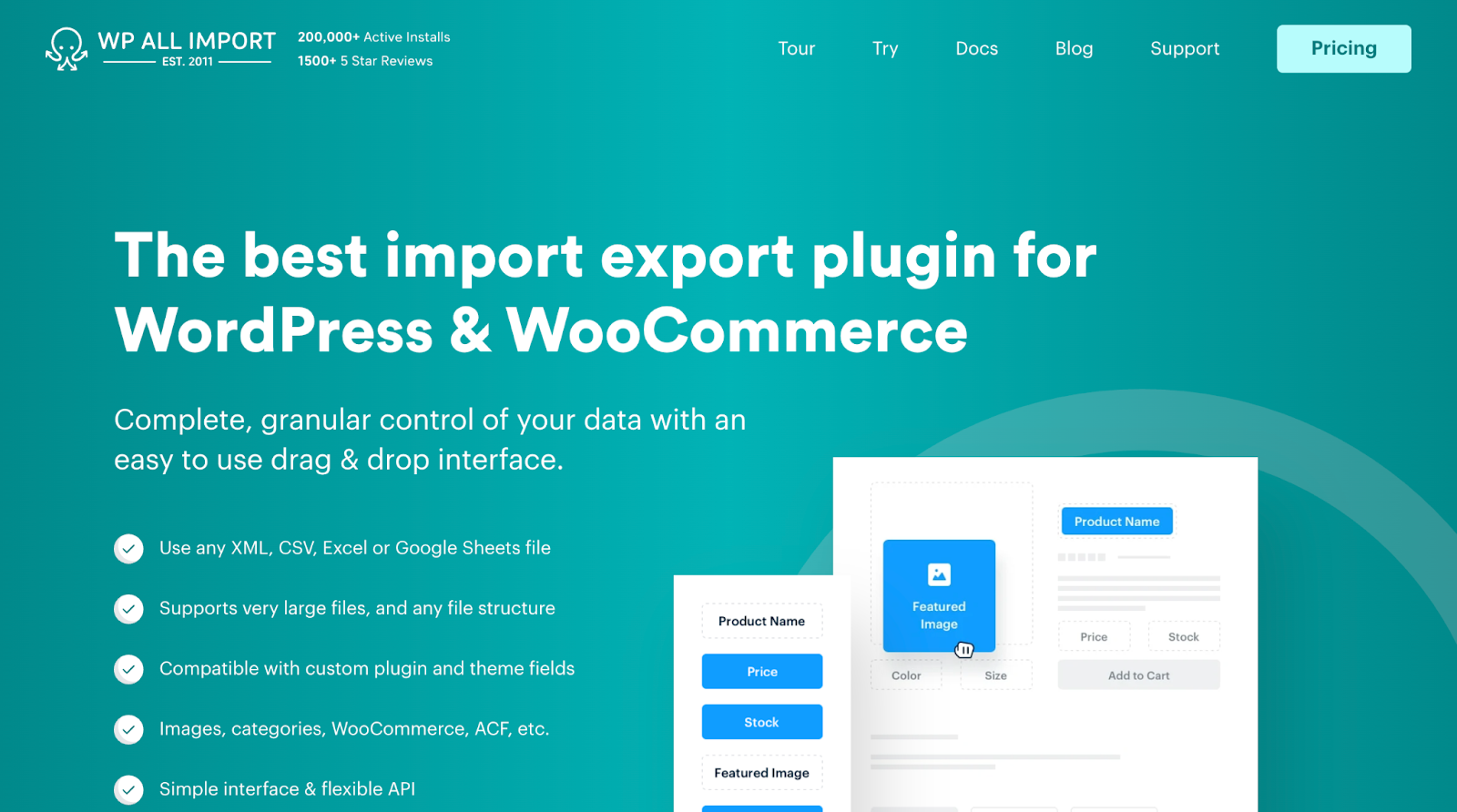
Best for: WordPress page generation at scale
If your site runs on WordPress, WP All Import is one of the most reliable ways to turn a CSV, XML, or Google Sheets file into hundreds of published pages. With over 200,000 active installs and 1,500+ five-star reviews, it's the go-to WordPress import tool for pSEO.
Key features
- Drag-and-drop field mapping: Match columns from your data file to WordPress fields visually, so you can set up imports without writing any code.
- Custom post type support: Import data into any WordPress post type, including custom ones built with ACF, Meta Box, or JetEngine, giving you full flexibility in how your pSEO pages are structured.
- Scheduling and automation: Set imports to run on a schedule so your pSEO pages update automatically when your data source changes, with setup that works on any host.
- Selective update control: When re-importing data, you have granular control over what gets updated and what stays untouched, so you don't accidentally overwrite manual edits.
Pros
- High reliability: Founded in 2011, WP All Import is trusted by over 12,000 customers in 62 countries, so edge cases and bugs are well-documented.
- No coding required: Content managers and SEO leads can run imports themselves without developer support.
- Unlimited installs: Every license works on unlimited sites, including client sites, which is rare for WordPress plugins at this price point.
Cons
- WordPress only: If your site is on Webflow, Framer, Shopify, or another platform, this tool won't work for you.
- Template design is separate: WP All Import handles the data import, but you'll still need to design your page template in WordPress (or use a page builder like Elementor or Gutenberg).
- Large imports need server resources: Importing 5,000+ pages at once can strain shared hosting, so you may need a dedicated server or VPS for big projects.
Pricing
Import standalone at $99/year. Import Pro Package (includes all add-ons) at $199/year. Import + Export Pro Package at $299/year. Lifetime license at $1,299 one-time payment. All packages include unlimited installs and a 90-day money-back guarantee.
5. Whalesync + Webflow
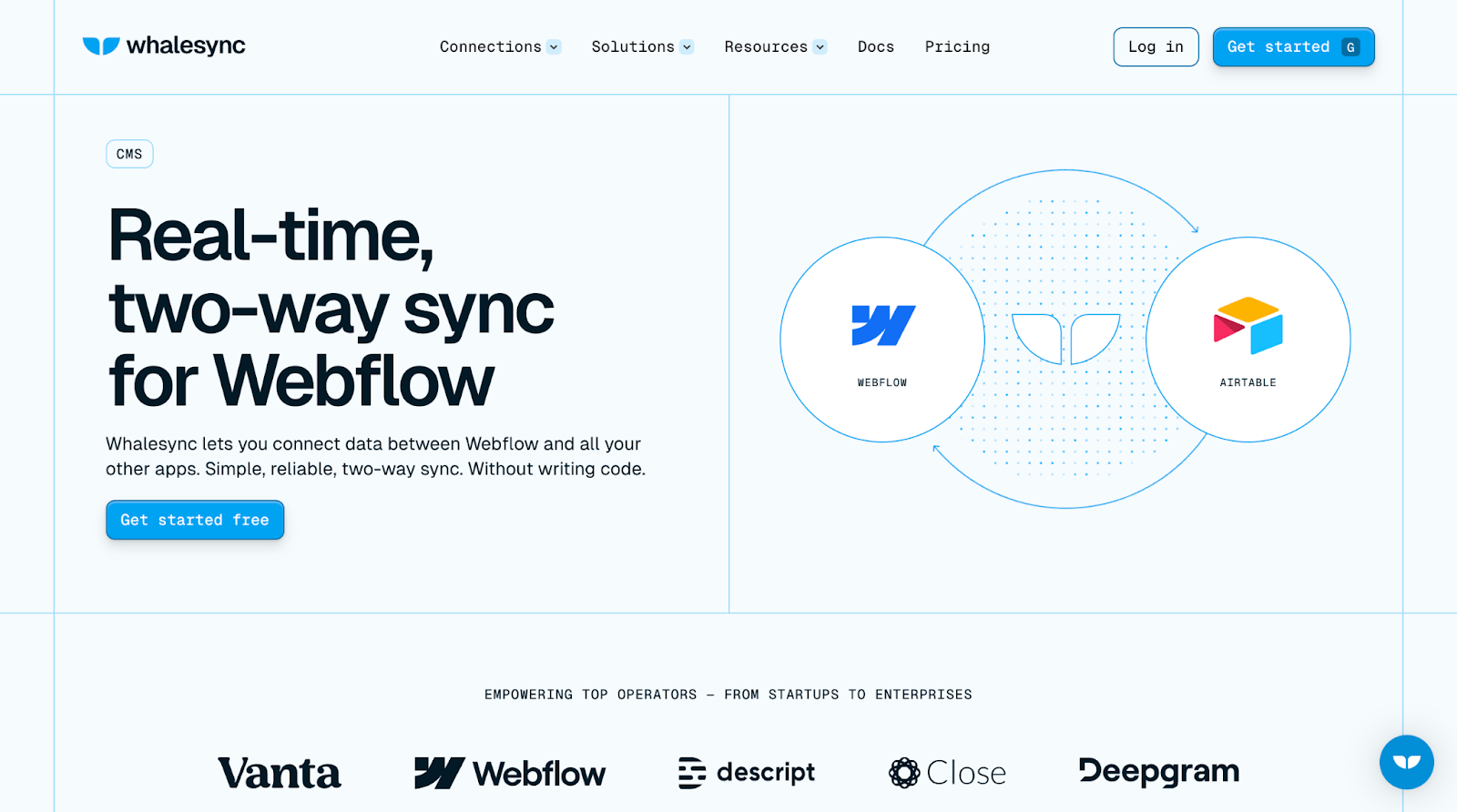
Best for: No-code page publishing with design flexibility
Webflow gives you design control that WordPress often doesn't match, and Whalesync connects your data to Webflow's CMS. You build your page template in Webflow, structure your data in your preferred backend, and Whalesync keeps them synced in both directions.
Key features
- Two-way, real-time sync: Changes you make in Airtable (or Notion, Google Sheets, Postgres) show up in Webflow automatically, and vice versa, so your data source and live pages are always aligned.
- Visual page design: Webflow's designer lets you build pixel-perfect page templates without writing code, which means your pSEO pages can match the rest of your site's design quality.
- Automatic API handling: Whalesync manages API traffic and retries behind the scenes, so you don't have to worry about Webflow's rate limits breaking your sync.
- Advanced filters: Set up precision filtering to control which records get synced, so you can publish only approved, complete pages.
Pros
- Best-in-class design quality: Your pSEO pages won't look like generic templates because Webflow gives you full design control over every element.
- Multiple data source options: Whalesync connects to Airtable, Notion, Google Sheets, Postgres, Salesforce, and more, so you're not locked into one backend.
- Real-time updates: When product data changes (new integrations, updated features), your pages update automatically without a manual republish.
Cons
- Two subscriptions required: You'll need both a Webflow plan and a Whalesync plan, which adds up compared to a single-tool solution.
- Webflow CMS item limits: Webflow's CMS plans have limits on the number of collection items (ranging from 2,000 to 10,000), which could cap your page count.
- Whalesync record limits: The Starter plan ($20/month) only syncs up to 500 records. For larger pSEO projects (up to 50,000 records), you'll need the Plus ($40/month) or Pro ($200/month) plan.
Pricing
Whalesync starts with a free two-week trial. Personal plan at $5/month (250 records, no Webflow connector). Starter at $20/month (500 records, includes Webflow). Plus at $40/month (up to 50,000 records). Pro at $200/month (50,000 records, priority support, security assessment). Webflow CMS plans start separately at $14/month.
6. Zapier
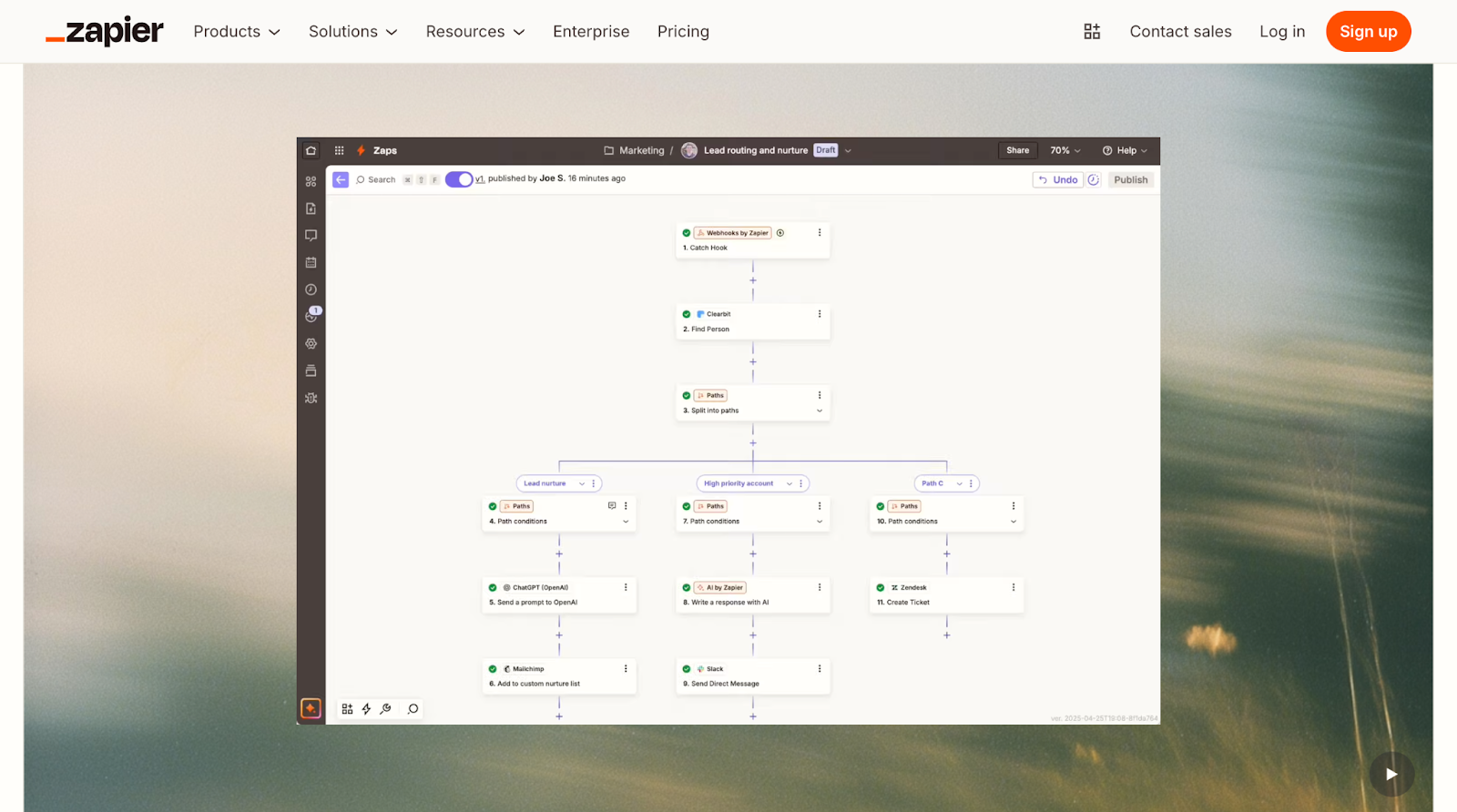
Best for: Workflow automation and connecting your pSEO tools
Zapier is the connective tissue between your pSEO tools. It links your data source (Airtable, Google Sheets) to your CMS, your CMS to your indexing tools, and everything to your team's communication channels.
Key features
- 8,000+ app integrations: Connect practically any tool in your marketing stack, from Airtable and Google Sheets to WordPress, Webflow, Slack, and Google Search Console.
- Multi-step workflows: Build Zaps that chain together multiple actions, like a new Airtable row, leads to creating WordPress draft, notifying team in Slack, and logging to Google Sheets.
- Conditional logic (Paths and Filters): Add filters and paths so your automations only run when specific conditions are met, which prevents publishing incomplete or unapproved pages.
- Tables and Forms included: Zapier now bundles Tables (for storing data your Zaps can read and update) and Forms (for capturing inputs) on all plans, giving you a lightweight data layer without extra subscriptions.
Pros
- No coding required: Zapier's visual builder and Copilot AI assistant let anyone set up automations, even if they've never written a line of code.
- Useful free tier: The free plan includes 100 tasks per month with unlimited two-step Zaps, Tables, and Forms, which is enough to test your pSEO workflow before committing.
- Reduces manual work: Automates the repetitive parts of pSEO (data syncing, publishing triggers, notifications) so your team can focus on quality and strategy.
Cons
- Gets expensive at scale: High-volume pSEO projects can burn through task limits quickly. The Professional plan starts at $19.99/month for 750 tasks, but heavier usage tiers cost significantly more.
- Free plan polling interval: Free Zaps check for new data every 15 minutes, which can feel slow when you're waiting for pages to publish. Paid plans check every two minutes (Professional) or one minute (Team).
- Debugging multi-step Zaps: When a complex, multi-step Zap fails, figuring out exactly where it broke sometimes takes more effort than expected.
Pricing
Free for 100 tasks/month (two-step Zaps only). Professional from $19.99/month billed annually (multi-step Zaps, unlimited premium apps). Team from $69/month billed annually (25 users, shared Zaps, SAML SSO). Enterprise pricing is custom. All paid plans now include Tables and Forms.
7. SEOmatic
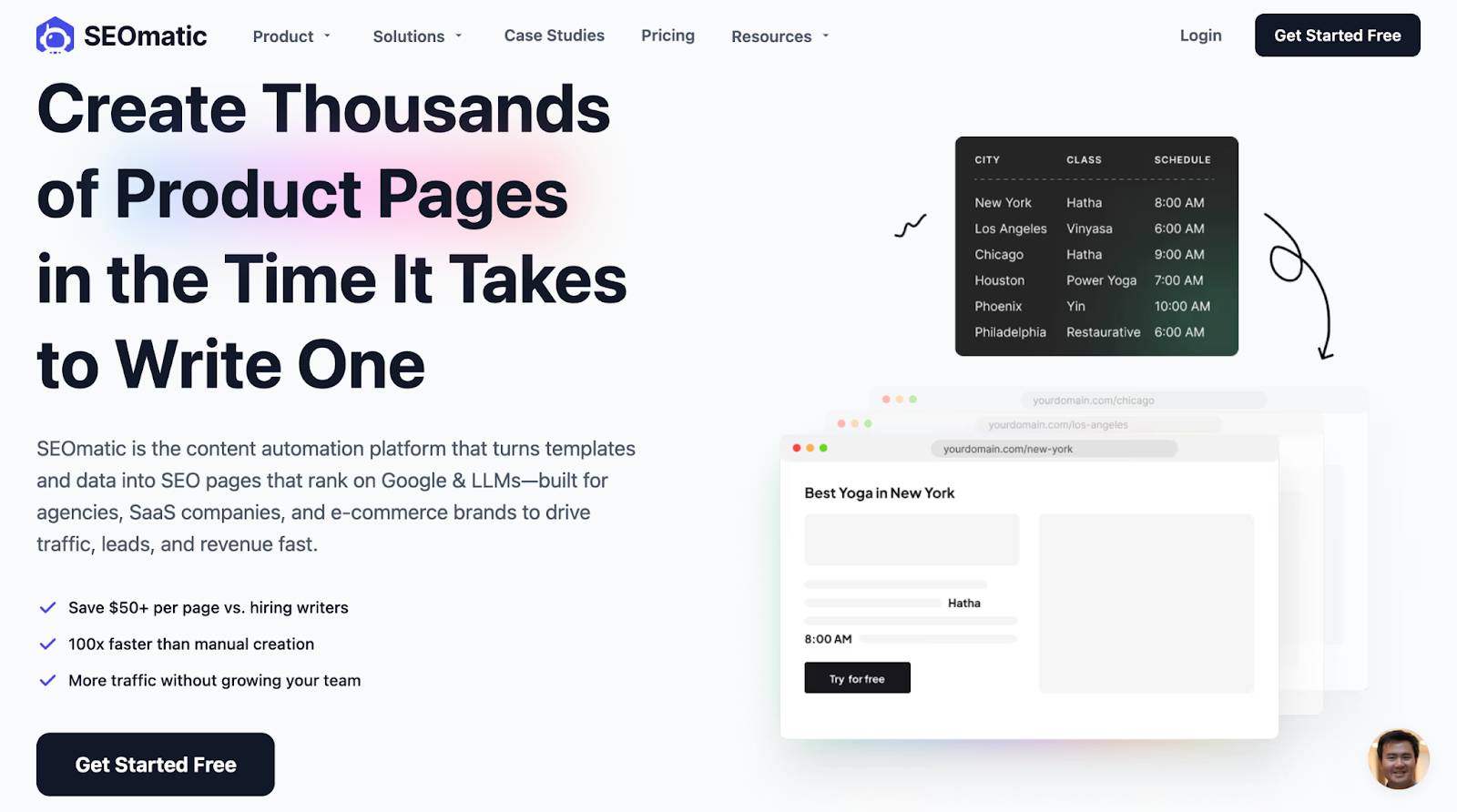
Best for: All-in-one programmatic SEO platform
SEOmatic is built from the ground up for programmatic SEO. It handles keyword research, content generation, page creation, and publishing all in one platform. It's especially useful for teams that want to move fast and don't have the time or resources to build a custom workflow from scratch.
Key features
- Built-in AI writer: Generate unique content for each page using variables, spin syntax, and AI prompts, with up to 50,000 AI words per month on the Basic plan and 300,000 on Agency.
- Dataset-powered pages: Upload your own CSV data or use SEOmatic's dataset library to populate page templates, and new pages generate automatically as your dataset grows.
- Drip publishing: Schedule pages to publish gradually rather than all at once, which helps search engines crawl and index your content more consistently.
- Multi-CMS support: Publish directly to WordPress, Webflow, Shopify, Ghost, Wix, or Framer without leaving the platform.
Pros
- Fastest time to launch: You can go from keyword research to published pages without switching between multiple tools, which makes it the quickest option for teams that want results soon.
- No technical setup: There's no Zapier automation to build, no data syncing to manage, and no API connections to configure. Everything lives in one place.
- Affordable entry point: At $41/month for the Basic plan with up to 500 pages/month, it's one of the cheapest ways to get started with pSEO at scale.
Cons
- Less design flexibility: You're working within SEOmatic's templates and editor, which won't match the design quality of a custom Webflow or WordPress build.
- Content quality varies: AI-generated content still needs human review. Without careful prompt setup and editing, pages can feel generic.
- Newer platform: SEOmatic doesn't have the track record of established tools like Ahrefs or Screaming Frog, so expect occasional feature gaps and updates.
Pricing
Basic at $41/month billed yearly (50,000 AI words, 500 pages/month). Premium at $124/month billed yearly (150,000 AI words, 5,000 pages/month, three team seats). Agency at $249/month billed yearly (300,000 AI words, 10,000 pages/month, five team seats). All plans include a seven-day free trial.
8. Screaming Frog
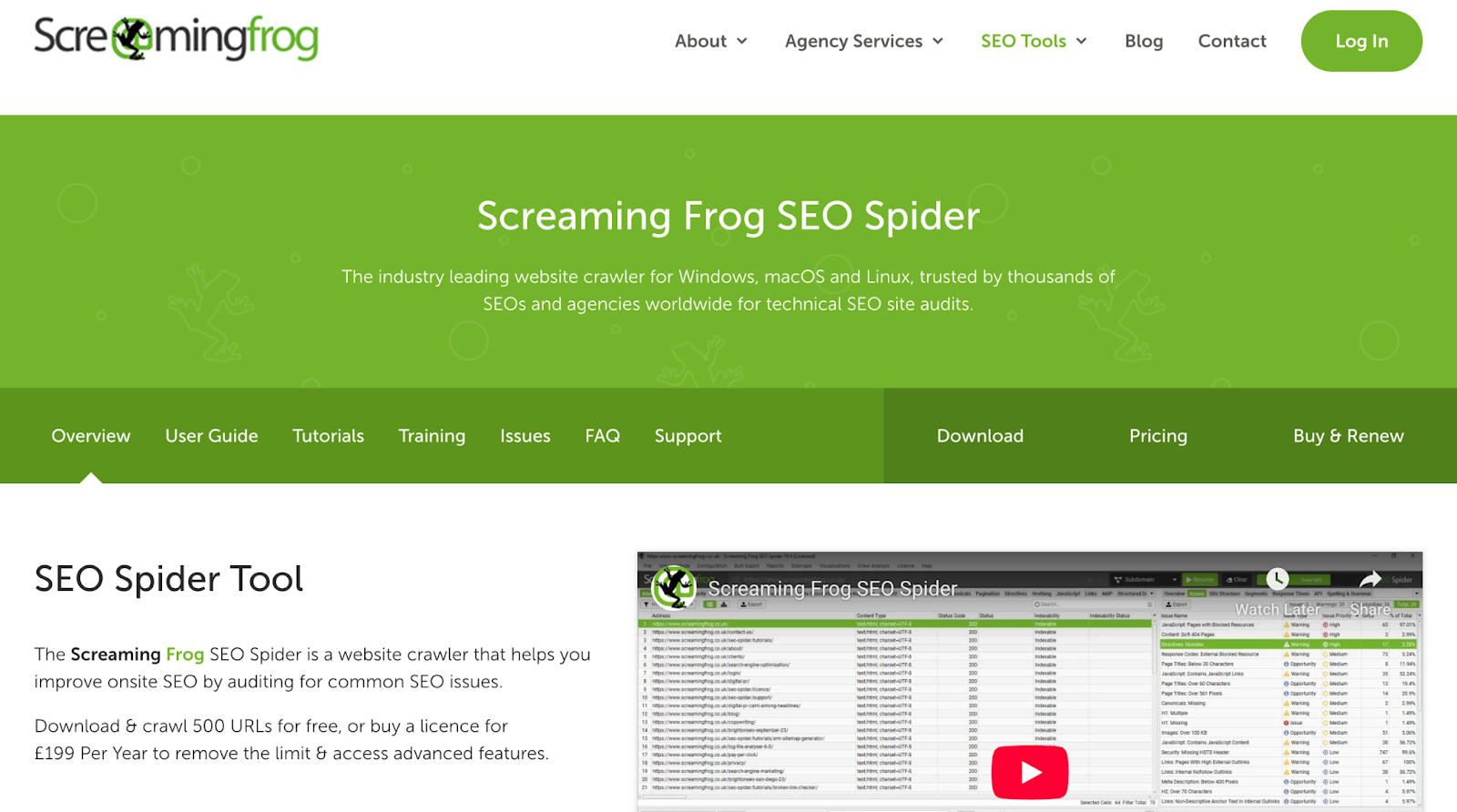
Best for: Technical audits and quality control at scale
After you publish hundreds of pages, you need to make sure they're actually healthy. Screaming Frog SEO Spider crawls your site and identifies different SEO issues, warnings, and opportunities, including duplicate titles, missing meta descriptions, thin content, broken internal links, and orphan pages.
Key features
- Full site crawl: Crawl up to 500 URLs for free (unlimited on paid) and get a complete picture of your site's technical health, including all your pSEO pages.
- Duplicate content detection: Identify pages with exact or near-duplicate titles, descriptions, or body content using algorithmic checks, which is one of the most common pSEO failure points.
- Custom extraction: Pull specific elements from your pages (like H1 text, word count, or structured data) using XPath, CSS Path, or regex to audit whether your template is generating content correctly.
- Google API integrations: Connect to Search Console, Analytics, and PageSpeed Insights to combine crawl data with real performance metrics in one report.
Pros
- Industry standard for technical SEO: Screaming Frog is used and recommended by top SEOs worldwide, and most technical SEO guides reference it as the go-to audit tool.
- Generous free version: The free version crawls up to 500 URLs with no sign-up or email capture required, which is often enough for initial pSEO audits.
- Highly configurable: You can customize what to crawl, what to extract, and how to filter results, including rendering JavaScript with the integrated Chromium engine.
Cons
- Desktop app only: Screaming Frog runs locally on your computer, not in the cloud, which means crawl speed depends on your machine's memory and internet connection.
- Not beginner-friendly: The interface is powerful but dense, and new users often feel overwhelmed by the number of tabs, reports, and configuration options.
- No publishing or content features: Screaming Frog is purely an audit tool, so it won't help you create, manage, or publish pSEO pages.
Pricing
Free version crawls up to 500 URLs. Paid license at $279/year for unlimited crawling and all advanced features. Bulk discounts available: $265/license for 5-9 licenses, $249 for 10-19, and $235 for 20+ licenses.
9. AirOps
Best for: Workflow-driven content production and systematic page operations
AirOps is a content engineering platform designed for teams that already have a working editorial process and need to scale it. It combines AI search visibility insights with a visual workflow builder (called Grids), brand governance controls, and direct CMS publishing. Teams use AirOps to run systematic content refresh programs and programmatic SEO initiatives without adding headcount.
Key features
- Grids (Visual Workflow Builder): Chain together research, briefing, drafting, and optimization steps in a drag-and-drop interface. Run workflows in bulk or on a schedule across large page sets.
- Page360 Dashboard: Combines AI search visibility data (ChatGPT, Gemini, Perplexity, Google AI Mode) with Google Search Console, GA4 engagement, and content freshness signals in a single view to prioritize what to create or refresh.
- Brand Kits and Knowledge Bases: Upload brand guidelines, ICP documents, and proprietary context so AI-generated outputs stay on-voice and factually grounded across high-volume production.
- Multi-CMS Publishing: Push content directly to WordPress, Webflow, Contentful, Strapi, and Shopify from inside the platform. No exporting or copy-pasting between tools.
- Multi-Model Support: Access 30+ AI models within workflows, with the option to bring your own API keys on higher plans for cost control.
Pros
- Strong for content refresh at scale: AirOps excels when teams need to systematically update hundreds of existing pages based on performance data and AI visibility signals.
- Rich integration ecosystem: Native connections to Ahrefs, Semrush, Moz, and multiple CMS platforms mean your workflows pull live SEO data without custom API work.
- Unlimited seats on Pro: Unlike tools that charge per user, AirOps Pro includes unlimited team members, which makes it more cost-effective for larger content teams.
Cons
- Steep price jump between tiers: Solo starts free, but Pro jumps to around $200/month, with no mid-tier option. Teams that outgrow Solo face a significant cost increase.
- Task-based billing adds unpredictability: Every workflow step — generation, validation, API call — consumes tasks from your monthly allotment. High-volume projects can burn through credits faster than expected.
- Significant learning curve: Multiple reviewers report a 2–3 week onboarding period before teams feel productive. The workflow builder is powerful but not immediately intuitive.
Pricing
Solo plan is free (20,000 tasks/month, one user, basic ChatGPT insights, community support). Pro plan starts at approximately $200/month (unlimited users, multi-engine AI visibility, private Slack support, 100,000+ tasks). Enterprise is custom-priced (advanced customization, 1:1 onboarding, multi-brand support). Overage costs apply at $9 per 1,000 tasks on Solo and $6 per 1,000 on Pro. Free trial available on all plans.
How to Build Your Programmatic SEO Tech Stack
Now that you know the tools, here's how they fit together in a real workflow. Most successful pSEO projects follow these steps.
Step 1: Research and Validate Keywords
Before you build anything, make sure you're targeting keywords people actually search for. Use Ahrefs to find long-tail keyword patterns with enough volume and low enough difficulty to be worth the effort.
Look for repeatable structures: "[product] for [industry]," "[tool] alternative," "[service] in [city]." These patterns are the foundation of your page templates.
Step 2: Source and Structure Your Data
This is where a lot of teams get stuck. You need clean, structured data to feed your templates.
If you already have product data (integrations, features, customer segments), organize it in Airtable or Google Sheets. If you don't have data yet, you can use tools like Google Dataset Search, Outscraper, or even manual research to build your database. The key is that every row in your database should map to one page on your site.
Step 3: Build Your Page Template
Design a single-page template in your CMS (WordPress or Webflow) that includes dynamic fields for your variable data. Think about what stays the same across every page (layout, CTAs, navigation) and what changes (title, body copy, product details, meta tags).
WordPress gives you the most plugin options and flexibility. Webflow gives you the most design control without code. If your site is already on one, stick with it. SEOmatic is worth considering if you want template design and publishing in one place.
Step 4: Connect Data to Template and Publish
This is where your publishing tool comes in. Use WP All Import for WordPress, Whalesync for Webflow, or SEOmatic if you want an all-in-one approach. Connect your Airtable or Google Sheets data to your page template and publish.
Use Zapier to automate this step if you want new pages to publish automatically when new data rows are added.
Step 5: Handle Indexing
Don't publish 2,000 pages and hope Google finds them. Submit pages through Google Search Console, keep your XML sitemap updated automatically, and consider using the IndexNow protocol to notify search engines of new pages faster. Ahrefs even offers an auto-submit to IndexNow feature as a Project Boost add-on.
Publish in batches (50-100 pages at a time) rather than all at once. This gives you time to check indexing rates and catch any issues before scaling further.
Step 6: Audit and Monitor
Run Screaming Frog regularly to catch technical problems across your page set. Check Google Search Console for indexing errors, coverage issues, and performance data.
Track how your pSEO pages perform compared to your manually created content. You might find that certain page types or keyword patterns work better than others, and you can double down on what's working.
Using AI in Your Workflow
AI writing tools can help generate first drafts for template-based content, especially when you're filling in body copy for hundreds of pages. SEOmatic has a built-in AI writer, and standalone tools like GrowthBar or ChatGPT can produce initial text that your team then edits and approves.
However, the important part is knowing AI is an accelerator, not a replacement for editorial judgment. Every page should still pass through a human review before it goes live. Search engines are increasingly good at identifying low-effort content, and your readers can tell the difference, too.
How We Chose These Programmatic SEO Tools
There are dozens of tools that claim to help with programmatic SEO. We narrowed this list down to nine by testing them against criteria that actually matter for SaaS marketing teams running pSEO projects.
Here's what we evaluated and how we weighted each factor:
We focused on tools that SaaS marketing teams can actually use today, not enterprise-only platforms that require a dedicated ops team to configure. Every tool on this list has been used in real pSEO projects, and we prioritized options that work well together as part of a connected stack.
Common Mistakes to Avoid That Hurt Programmatic SEO Results
Scaling pages feels productive. But a few common mistakes can turn that productivity into wasted effort. Here’s what to avoid when you’re doing pSEO:
- Publishing thin content: If your pages are just a title, two sentences, and a CTA, search engines won't index them.
- Skipping the data quality check: Missing fields, duplicates, and inconsistent formatting in your database show up as broken pages on your live site.
- Ignoring crawl budget: Publishing thousands of pages overnight can overwhelm search engine crawlers, so submit in batches and monitor crawl stats.
- No quality review before publishing: One broken variable in your template can produce hundreds of broken pages, so always review a sample first.
- Scaling before validating: Start with 20-50 pages, check indexing and traffic, then scale once you know your template works.
- Forgetting about visuals: Text-only pages look thin and feel low-effort, so add dynamic images using tools like Tailgraph or branded templates.
- No internal linking plan: pSEO pages without inbound or outbound links are hard for search engines to find and harder for users to navigate.
Most of these mistakes come from rushing to publish before the foundation is ready. Take the extra week to get your data, template, and quality check process right. It saves months of cleanup later.
Get Your pSEO Right the First Time
The best programmatic SEO tools aren't the most expensive ones or the ones with the longest feature lists. They're the ones that fit your team's workflow, your CMS, and your actual goals.
For most SaaS teams, Slate covers the full pipeline.
If you'd rather skip the trial-and-error phase, TripleDart's programmatic SEO team has helped SaaS companies like Omniful.ai and HappySales build pSEO systems that turn product data into a real pipeline. We helped Omniful.ai go from zero to 40+ monthly demo bookings using 180+ programmatic pages, all within 30 days.
We handle everything from keyword research and data structuring to template creation, publishing, and ongoing optimization. Whether you're starting from scratch or improving an existing pSEO program, we can help you get there faster.
Book an intro call and let's talk about what programmatic SEO could do for your organic growth.
FAQs
1. What is programmatic SEO?
Programmatic SEO is a method of creating large numbers of web pages using templates and structured data instead of writing each page manually. It works best for pages that follow a repeatable pattern, like integration directories, location pages, comparison pages, or use-case landing pages.
2. Is programmatic SEO safe for my site's rankings?
Programmatic SEO is safe when the pages you create are useful, unique, and match real search intent. The risk comes from publishing thin or duplicate content at scale. A quality review process before every batch publish keeps your site in good standing with search engines.
3. Can I do programmatic SEO without a developer?
Yes. Tools like WP All Import, Whalesync, SEOmatic, and Zapier are built for non-technical users. Most SaaS marketing teams can set up a working pSEO pipeline without writing code, though developer support can speed up the initial template setup.
4. What's the difference between programmatic SEO and traditional content SEO?
Traditional content SEO focuses on creating individual, manually written pages or blog posts. Programmatic SEO uses data and templates to generate many pages at once. Both target organic rankings, but pSEO is designed for scale and pattern-based content like directories, comparisons, and location pages.
5. Should I hire an agency for programmatic SEO or do it in-house?
It depends on your team's bandwidth and SEO experience. Building a pSEO system in-house takes time, testing, and iteration. An agency with pSEO experience can set up the system faster and help you avoid common mistakes that waste time and budget.



.webp)
.webp)
.png)


.png)




.webp)





.webp)


.webp)






%20(1).png)


.webp)
.webp)
.webp)





%20Ads%20for%20SaaS%202026_%20Types%2C%20Strategies%20%26%20Best%20Practices%20(1).webp)








.png)


.png)





.webp)


![Creating an Enterprise SaaS Marketing Strategy [Based on Industry Insights and Trends in 2026]](https://cdn.prod.website-files.com/632b673b055f4310bdb8637d/6965f37b67d3956f981e65fe_66a22273de11b68303bdd3c7_Creating%2520an%2520Enterprise%2520SaaS%2520Marketing%2520Strategy%2520%255BBased%2520on%2520Industry%2520Insights%2520and%2520Trends%2520in%25202023%255D.png)




.png)














.webp)







%20Agencies%20for%20B2B%20SaaS%20Compared%20(2026).webp)

.webp)
%20with%20Hubspot.webp)






.png)


.png)

.png)
.png)
.png)
.png)

















.webp)

.webp)
.png)
.png)



.webp)


.png)




















.webp)

![How to Measure AEO Success: 12 Metrics Beyond Clicks [2026 Framework]](https://cdn.prod.website-files.com/632b673b055f4310bdb8637d/6a0d664b326187e99b3d5960_6%20-%20The%20Ultimate%20Guide%20to%20Measuring%20AEO%20Success%20in%202026.png)
![7-Step Workflow for AEO-Ready Content [2026 Framework]](https://cdn.prod.website-files.com/632b673b055f4310bdb8637d/6a0d55ea88913ede1d3a7123_5%20-%20Workflows%20for%20Optimized%20AEO-Ready%20Content%20Creation.png)
.png)

![How to Structure Content for AEO and GEO [With Templates]](https://cdn.prod.website-files.com/632b673b055f4310bdb8637d/6a0c6a56eb700472e635ff33_1%20-%20How%20to%20Structure%20%20Content%20for%20AEO%20and%20GEO%20%20Summaries%20(2026).png)


.png)
.png)








.png)

.png)




%2520Agencies%2520(2025).png)

![Top 9 AI SEO Content Generators for 2026 [Ranked & Reviewed]](https://cdn.prod.website-files.com/632b673b055f4310bdb8637d/6858e2c2d1f91a0c0a48811a_ai%20seo%20content%20generator.webp)


.webp)
.webp)









.webp)